Smaller images, faster websites
Images often account for a lot of page weight. Smaller files can help the first screen appear sooner, with less waiting for visitors.
Reduce image size for faster websites and easier sharing. Compress JPG and PNG, WebP and AVIF for free, with a difference you can hardly see.
No web usage-count limit; up to 20 images per batch. Defaults: 25 MB per image and 4 hours of result availability from submission. Current settings may differ.
Drop your images here
or click to choose files · PNG, JPEG, WebP, AVIF
Choose imagesDefaults: up to 20 images per batch, 25 MB each. Current settings may differ.
Balanced size and speed — recommended

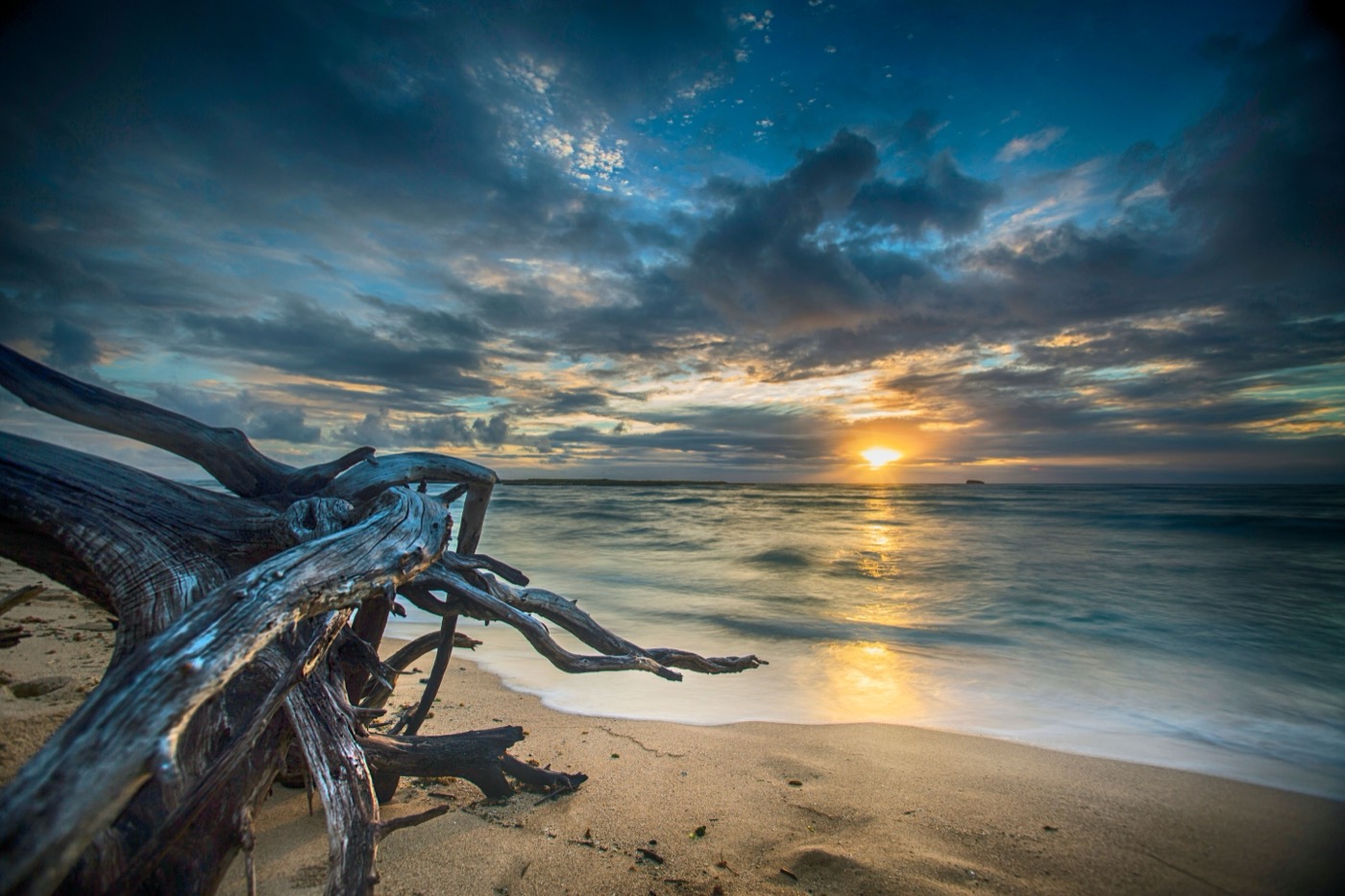
Drag the divider: the same photo, compressed at the balanced level
— saved so far
A little less weight in every image means a little less waiting on websites, in messages and at work.
Images often account for a lot of page weight. Smaller files can help the first screen appear sooner, with less waiting for visitors.
Page loading experience is one consideration in search rankings. Lighter images can improve that experience and give your content a better foundation for search.
The same images, with fewer bytes. That can mean less CDN bandwidth, less storage and less mobile data used by your visitors.
Lighter files take less time to upload, email and share, and are more likely to fit within attachment limits.
A photo compressor should make files lighter while keeping the details you care about. Use the real comparison above to judge the result for yourself.
For everyday viewing, the difference is usually hard to see.
With “Keep format”, the result is never larger than the original. WebP conversion can be larger; we show the actual size.
Upload the image formats you use every day, with fewer tools to switch between and fewer interruptions.
Your images stay away from third parties, with downloads and cleanup taken care of. Focus on your content, with less tidying up afterwards.
Your uploaded images are never sent to any third-party service.
Need to handle a few images? Open the website and get going, without registering.
Save images individually or collect the results you need in a ZIP.
Results are available for 4 hours from submission. Downloads then expire and files are cleaned up automatically. When keeping the original format, a file that cannot be made smaller is returned as it is. This is the default retention period; current settings may differ.
From launching a page to sending work to a client, lighter images mean less waiting.
Product shots and pages show up faster, visitors wait less, and launching new items gets easier.
Lighter portfolios and previews are easier to send to clients, while the detail and look you care about stay.
Shrink images before publishing so articles load faster and uploading assets again and again takes less time.
Hook the API into uploads, builds or publishing so repetitive compression runs in your workflow instead of by hand.
Call /api/v1/shrink with an API key to compress images automatically in builds, uploads or your CMS. Every account includes a free monthly quota.
curl --user api:YOUR_KEY \
  --data-binary @photo.png \
  https://bitinz.com/api/v1/shrink
Read the API docs
Drop your JPG, PNG, WebP or AVIF files, up to 20 at a time.
Choose Fast, Balanced or Best and wait a moment for your images to compress.
Save the smaller images one by one or all at once as a ZIP.
The things people ask most: quality, retention, limits and cost.
Still curious? Contact usFor most images, the difference is hardly noticeable in everyday viewing. Try the comparison slider above, then check your downloaded results for the way you plan to use them.